
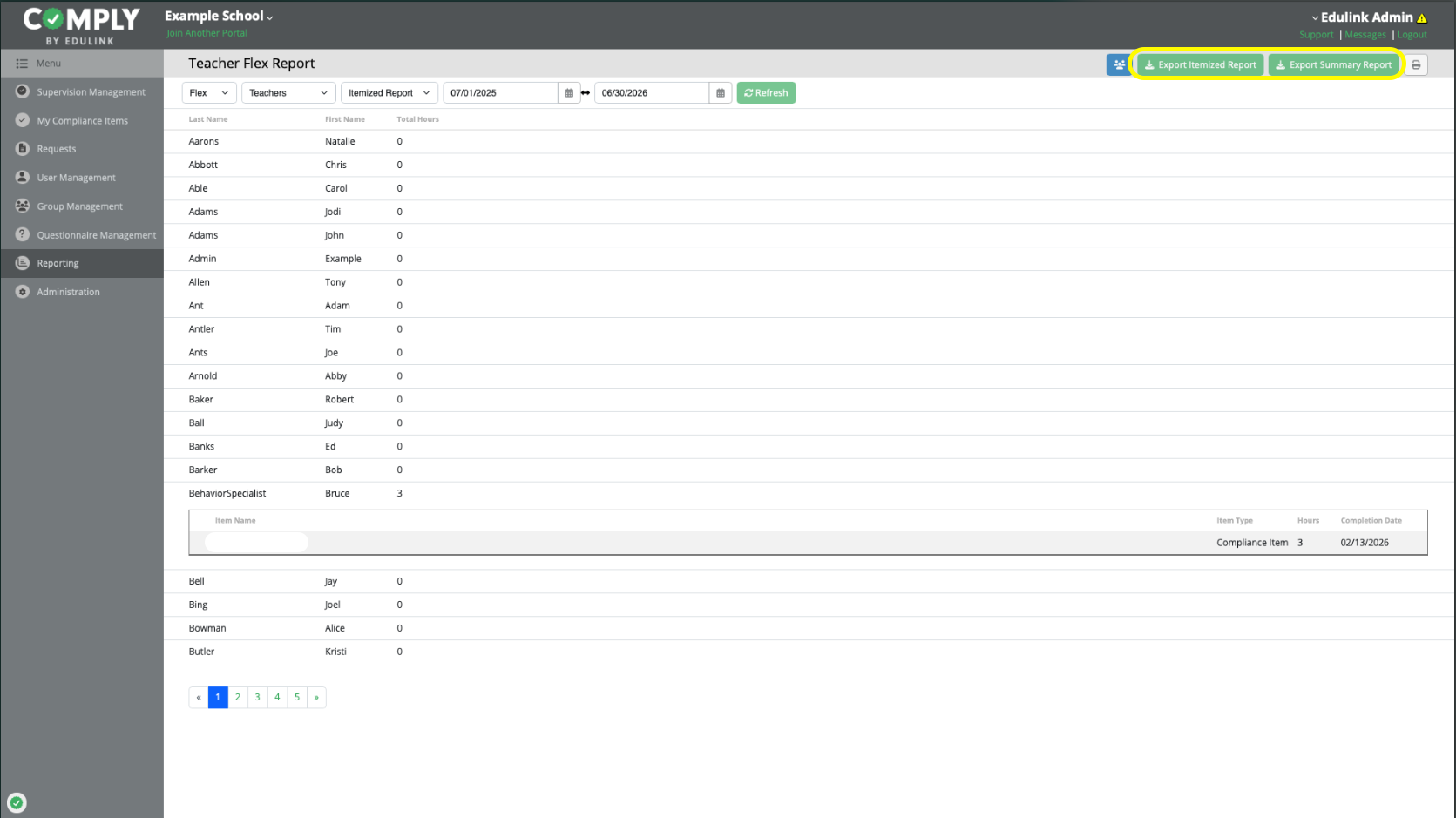
Comply allows administrators and supervisors to export reports to CSV for further analysis in Excel or Google Sheets.
Exports are helpful for:
Reviewing hours by building or group
Monitoring progress toward required totals
Sharing data with district leadership
Maintaining audit documentation
Reviewing hours by sub types (using item tags)
How to export a report
Go to Reporting.
Select the desired report and click View.
Click Export and download the CSV file.
What data is included in the Report Export?
Both Exports Include all active (non-archived) users in your district's portal, including paraprofessionals, emergency certified educators, and users excluded from PERMS submissions. The exports also include groups each user is associated with.
Summary Export
This report includes one row per user, and the total number of hours earned over the designated timeframe (includes total Flex, Act 48 hours, and Paraeducator hours).
Itemized Export
Each row of this report includes an instance of a completed item which rewarded Flex, Act 48, and/or Paraeducator hours. Additional details are included, such as event names, dates, and tags associated with each item.