
We are pleased to announce that we are actively working toward WCAG 2.1 Level AA accessibility standards for Comply. With the most current release, we have made significant progress toward achieving full compliance.
These enhancements reflect our ongoing commitment to delivering an inclusive, user-friendly experience for all users, including those who rely on assistive technologies. Over the coming months, additional updates will be rolled out to improve navigation, readability, and overall usability across the platform—helping ensure equal access to critical functionality and information.
Learn more…
https://wcmauthorguide.pa.gov/en/accessibility-best-practices.html
What this helps with
These improvements are intended to support users who rely on accessible navigation and interaction patterns, including users who:
Navigate primarily with a keyboard.
Use screen readers or other assistive technologies.
Increase text size or text spacing in the browser.
Need clearer focus indicators, validation messages, labels, or status feedback.
What you will notice
Text spacing and visual presentation
Selected pages and modals have been reviewed for text spacing, contrast, resizing, and layout issues. These updates include color corrections that provide higher contrast in affected areas, helping text, buttons, and other visual elements remain easier to read and use when users adjust browser or accessibility settings.
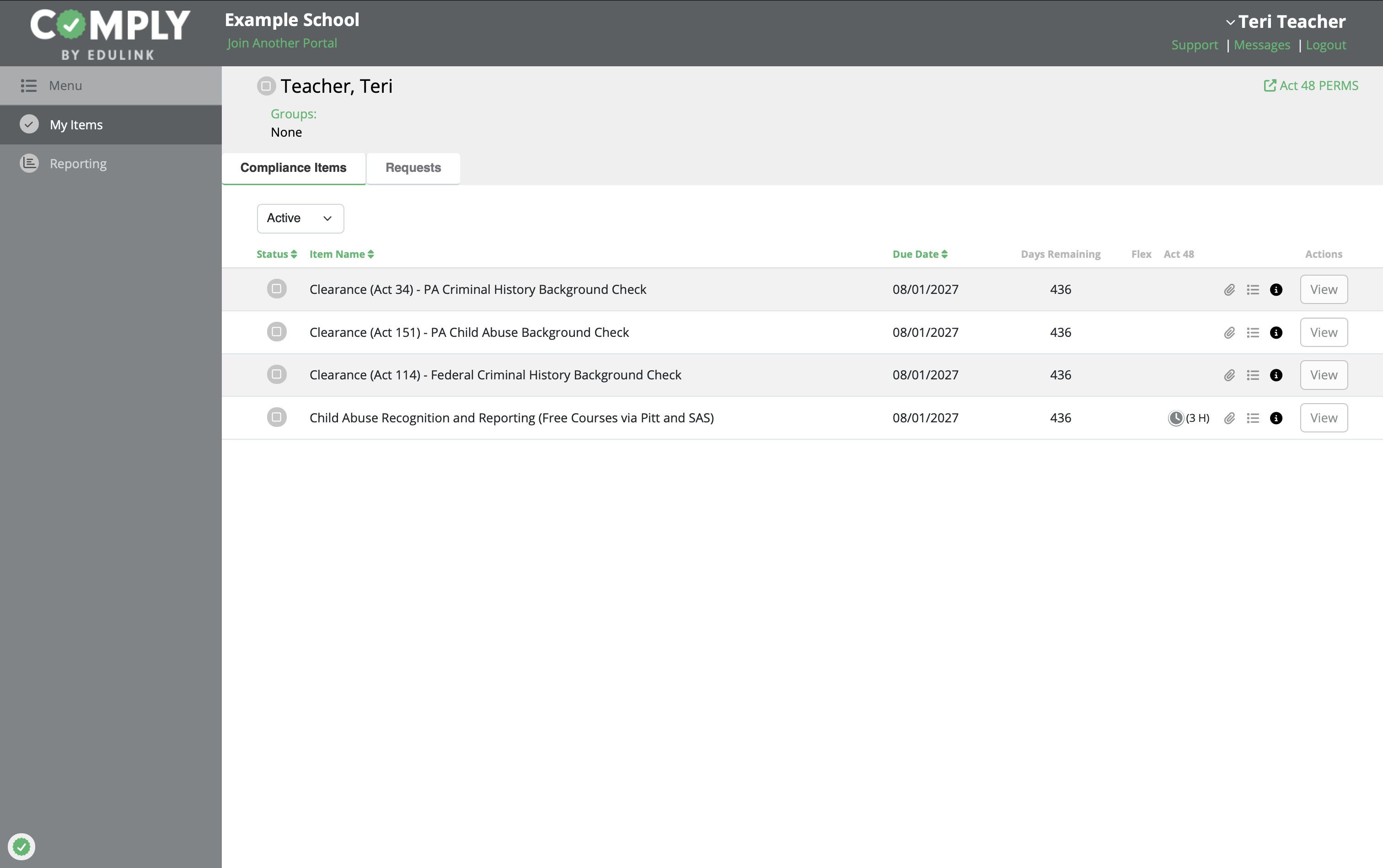 | 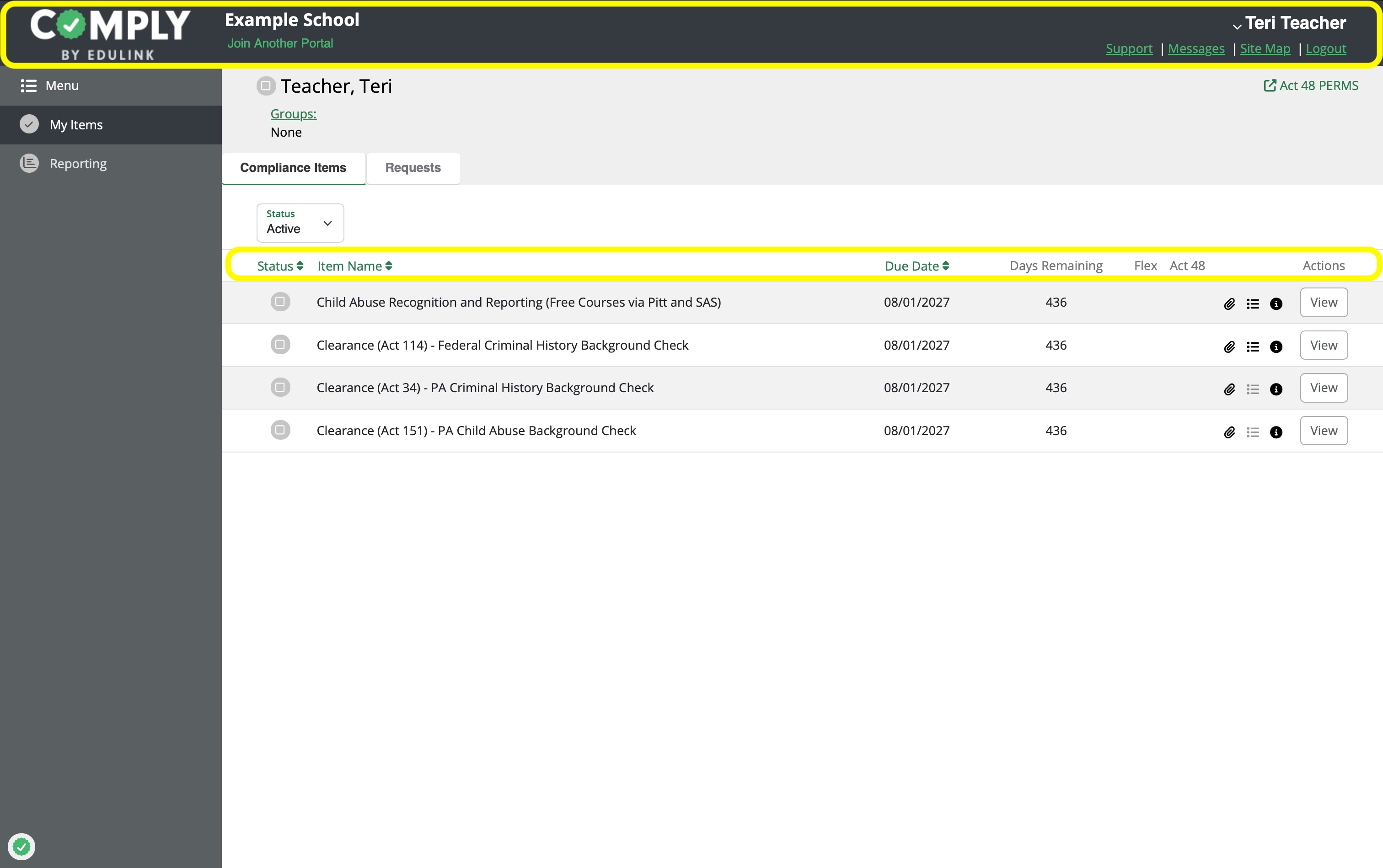 |
| Before | After |
Forms, labels, and validation
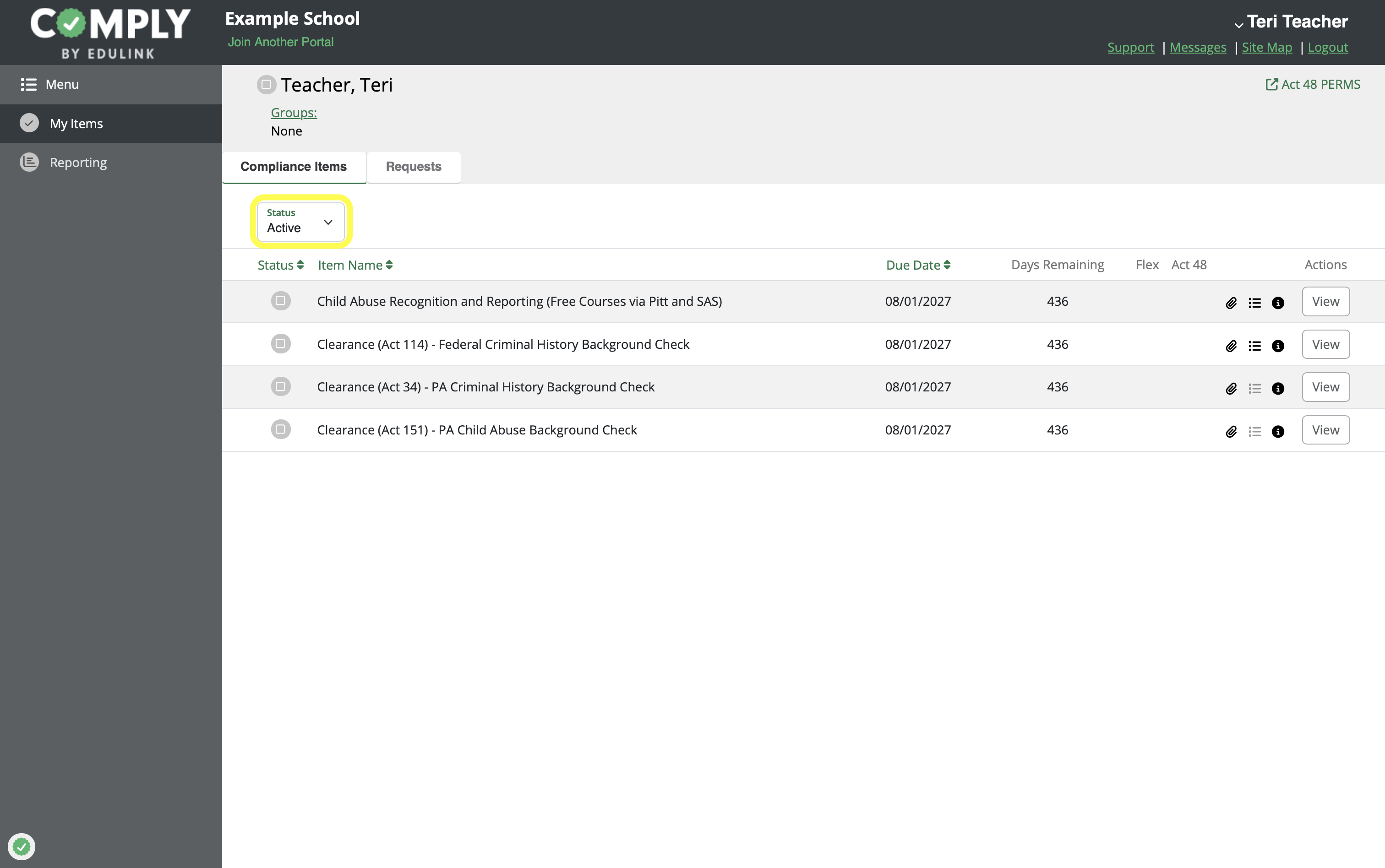
Several workflows have been improved so required input and validation feedback are clearer. Users should receive better guidance when required information is missing or an input needs attention before the workflow can continue.
Some labels and control names are also being cleaned up so screen readers and other assistive technologies can identify fields and actions more reliably.
Keyboard navigation and interaction
Several updates focus on making common controls easier to use from the keyboard. This includes improvements to buttons, modal windows, date fields, icons, tooltips, popovers, rich text editors, and selected action controls.
For users, this means more controls should be reachable by tabbing, more actions should be usable without a mouse, and keyboard focus should behave more predictably in affected workflows.